My BGM: Alarm Clock
Wake up to your own music.
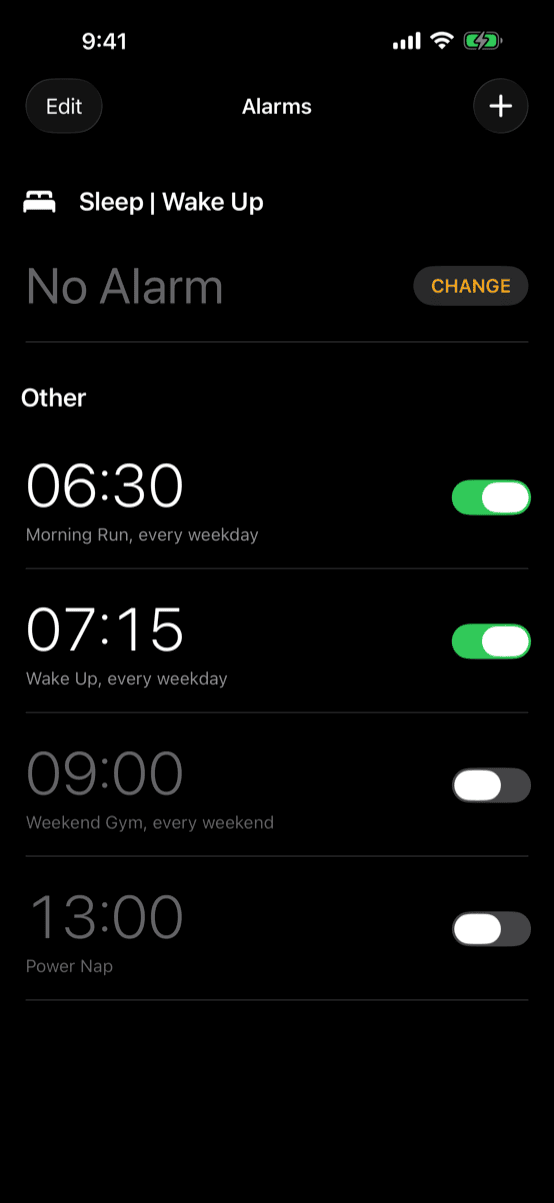
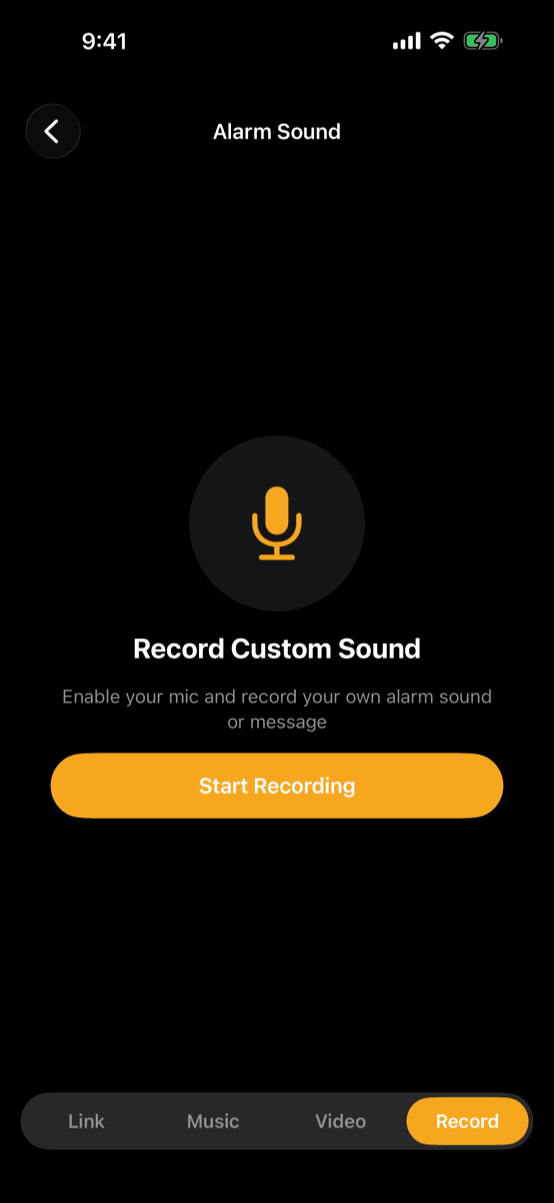
Set your own audio as your alarm — a song from your Files, the audio from a video in your library, or a voice memo you record yourself. Trim any clip to the perfect wake-up moment, and it loops with a smooth fade so mornings feel less jarring.
Built on Apple's AlarmKit, your alarms ring reliably even through Silent Mode, Focus, and Do Not Disturb, and show up on the Lock Screen and Dynamic Island. A quiet track? An automatic loudness boost still gets you up.
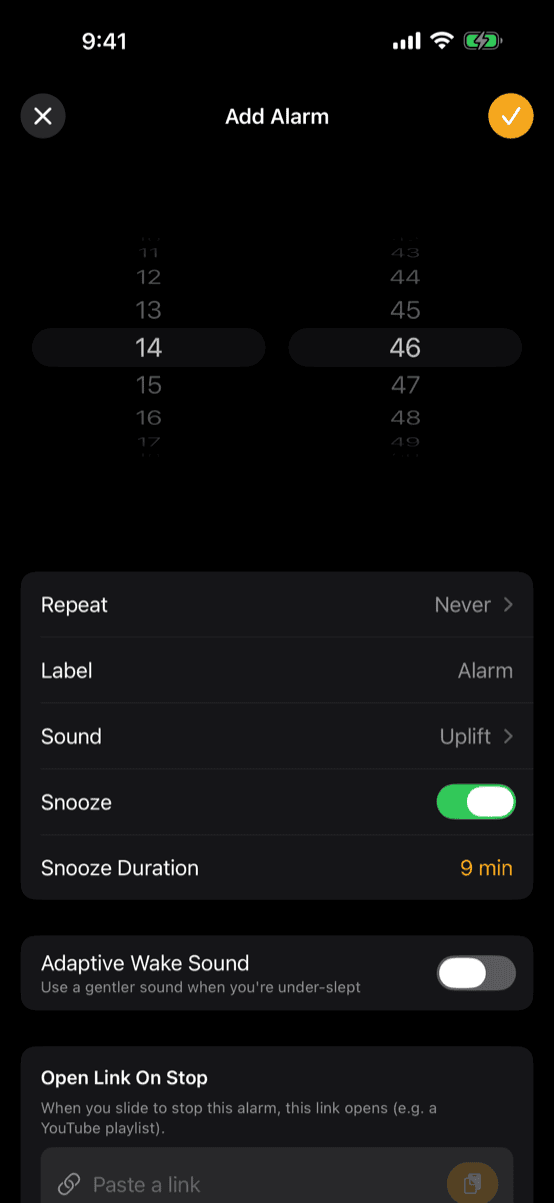
Here's the catch with a favorite song: you love waking up to it — until a rough night turns it into the sound you dread. So there's an optional Adaptive Wake Sound: with your permission it reads your recent sleep from the Health app and picks a different song depending on your sleep quality — your usual favorite after a good night, something gentler on the mornings you came up short. Your favorite track stays a favorite. Your data never leaves your device — nothing is uploaded.
Point your camera here to grab it on the App Store.
A peek inside
Swipe through the app.